Everything is easier now.
I have been toying around with agent orchestration for a while now. I’m currently running 10-20 agents around the clock.AI agents are now capable of bringing my ideas to life.
Like many developers, I’ve been feeling the token anxiety. I can do much more now than ever before, and every time I have a spare minute I want to kick off another agent session.
- I see a cool product I don’t want to pay for? Codex will build it for me.
- I have a silly idea I want to see come to life? Codex will build it for me.
- I get mildly annoyed doing the same thing over and over? Codex pls.
If you have an army of infinitely patient, intelligent, and helpful agents waiting for your next command, why shouldn’t we take advantage of that?
What’s the limit?
My career started off in web development, and back then, building a polished portfolio took weeks.
I remember clearly when agentic engineering first started gaining popularity, people were able to build out applications and websites faster than ever before. The tooling and harnesses back then focused mainly on coding.
That’s why I was so surprised and excited when I saw the updates to the Figma MCP. Building frontends has always been more fun when working off a Figma design. The collaboration between a frontend developer and designer is what makes your favorite apps and sites so good.
Can Codex help with that process?
Codex + Figma - Dissolving work silos
I wanted to see if the newest features in the Figma MCP would allow me to easily create design panels with Codex. Would an agent be able to create new designs, accurately and quickly?
This opens a lot of doors within an organization; people can more effectively collaborate regardless of what department they work in. Imagine every product discussion has its own evolving Figma design board… While stakeholders discuss the product requirements, the agent could evolve the Figma design live!
Designers and developers can also more readily shift from designing features, to developing them. And even mediate between the requirements of both. To put this to the test, I got started with Figma.
What success looks like
It has to be easier and more consistent than asking an agent to copy a site directly. It should make iterating on the designs much simpler than building out the code from scratch.
Example success requirements:
- I can give codex any website link
- It needs to ingest the site, and recreate an exact replica of it in Figma
- That replica must follow proper design standards
- Proper component segmentation
- Design using variables (background-color, text hierarchies)
- Design should be implementable directly from Figma
- Creating the design’s in Figma should take less than 30 minutes
- Everything should be hands off, no steering needed
Setting up Codex and Figma
Some pre-requisites for getting started:
- Figma MCP skill - Important so the agent can use the MCP effectively
- Codex + Figma plugin - I recommend using the Codex app to start, it’s easy to start
- Figma MCP guide - Read this to go deeper
Common issues.
I tested this workflow in 20+ sessions, and encountered 3 recurrent problem types:
1. Figma Designs eat up a lot of context
A single view port in Figma could easily eat up 64k-128K tokens, just for the HTML, CSS, and content on the pages. We are not even counting:
- Thinking traces
- Tool-calls and results
- Model having to fix minor issues
- My prompts and instructions
- System prompts and tool definitions
- MCP & Skill definitions
By the time the agent would port half a page, it’d have to compact to regain some space in it’s context window to continue working. Every time it would compact the model would drift off the original goal of the experiment.
2. Porting designs takes so long.
One run went on for over 2 hours, the agent managed to get 2 pages in, then when it tried to continue, it got caught in a loop of viewing the site, viewing the design, looking up the tool calls, then reading the design, etc..
This was not going to work, especially given the target site was tiny, compared to what I really wanted to test out. I can’t be waiting for 2 hours just to have to kick off another session that would get caught in the same loop again.
3. Agents weren’t trained on the last version of the MCP
I would watch the model make some progress quickly, I’d get excited, then after a few minutes it would refuse to use the MCP. Instead of using the vendor approved tools it had decided to make it’s own hacky HTML importer.
It would try and use the agent-browser CLI to manually import the design into Figma, which wouldn’t work since Figma doesn’t support this workflow. No matter how much I tried to steer it, it’d fallback to this behavior after 100k tokens in its context.
4. Dealing with errors
To get the best out of this setup I’d highly recommend the latest version of Codex, the Plugin/MCP, and using Figma’s prepackaged skill that will teach the models how to use the MCP.
The main issues I ran into:
- Figma designs taking up too much context
- The agents not knowing how to use the updated tool out the box
- Long run-times (task drags out for hours)
Here’s how I solved them:
- Using subagents to ensure we don’t overwhelm a single agent
- Looking up skills and guides on Figma’s Github
- Parallelise work
Codex can learn from its mistakes.
I asked Codex to go through all the past sessions, figure out the failure points, then search the web on what the proper guidelines would be.
1. It searched through my session history
2. It determined that it was using the wrong tools
3. It searched the web and found the Figma write skill
4. It returned a well defined prompt I can tweak until things work
This made a huge difference, now what was completely broken would at least kind of work, it was still too slow which is unacceptable.
Making Codex go BRRRR.
The last thing to fix was the speed of output, see everything was being done sequentially, if I wanted it to copy 5 pages it would painstakingly copy them one-by-one, thiswould take forever.
This was due to 2 main problems:
1. The magnitude of tokens Codex would need to churn through
2. The fact that everything was being done in sequence.
One thing I’ve found to be really useful in context management is using multi-agent orchestration. If you’re unfamiliar with the term I recommend checking out Will’s excellent article on the topic.
I followed his guide on total parallelism, here’s the ~/.codex/config.toml
Then here’s the agent definition files:
To understand how this works, imagine the following:
- The main orchestrator agent does only 1 thing: spawn subagents
- Each subagent gets a link to 1 page from the site we want to copy
- Each subagent works on it’s own page, and nothing else.
- The orchestrator reviews the outputs of the models, then either approves or spawns more subagents to fix the problem.
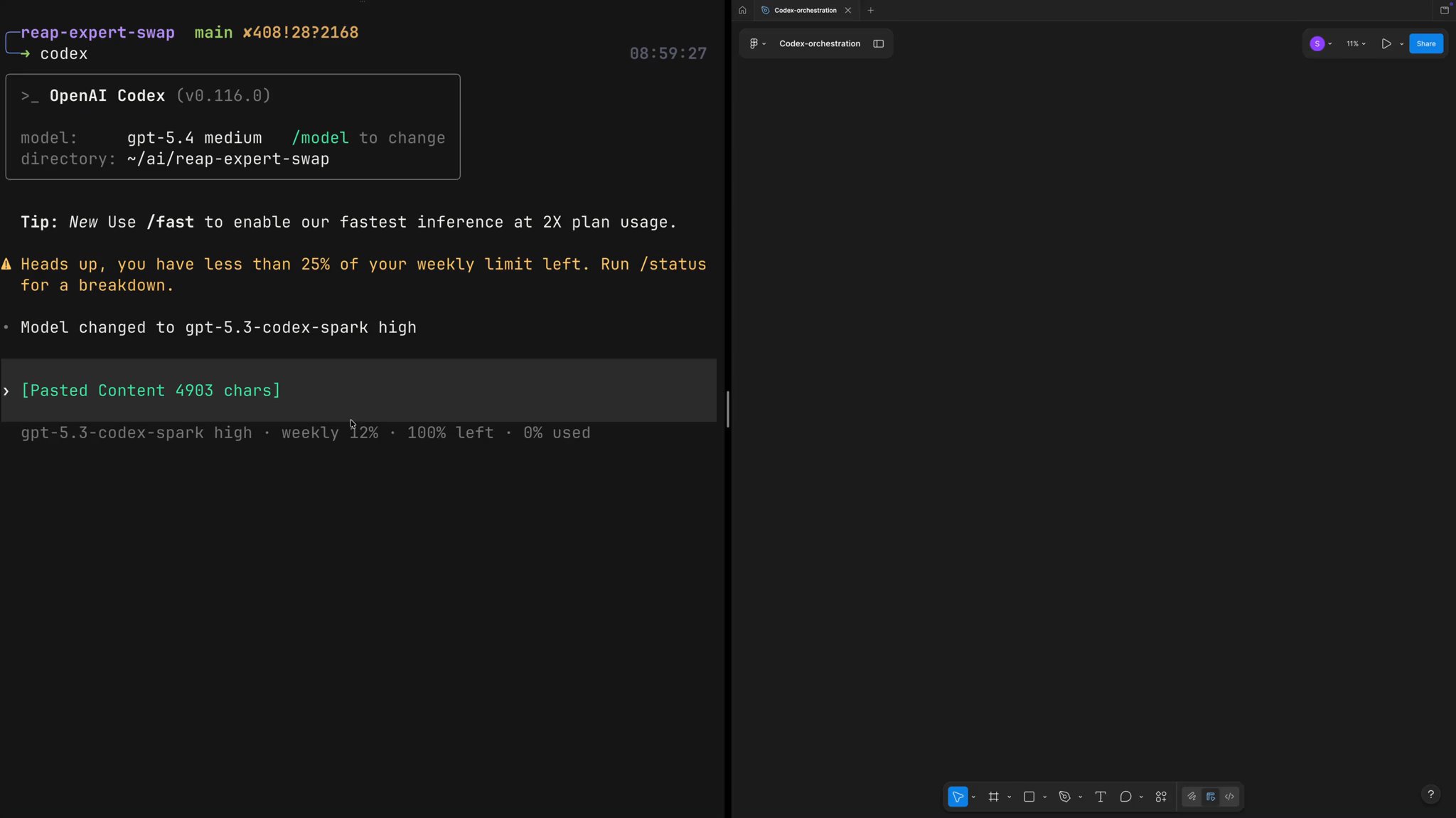
In the beginning I wanted to get the instructions for the orchestrator down where it would make no stupid mistakes, so I used GPT-5.4-Medium, iterated a few times, then once I got it working I had a reusable prompt that was well scoped enough GPT-5.3-Codex-Spark could handle it.
The results:
5 pages of a site cloned nearly perfectly in less than 5 minutes, here’s a video demonstrating how it works.. really incredible. The workflow is reusable, so if you guys are interested I can make it into a GitHub repo you can use for your own experimentation
Here’s the prompt:
Contributors: Zhenwei Gao, Sarah Chieng